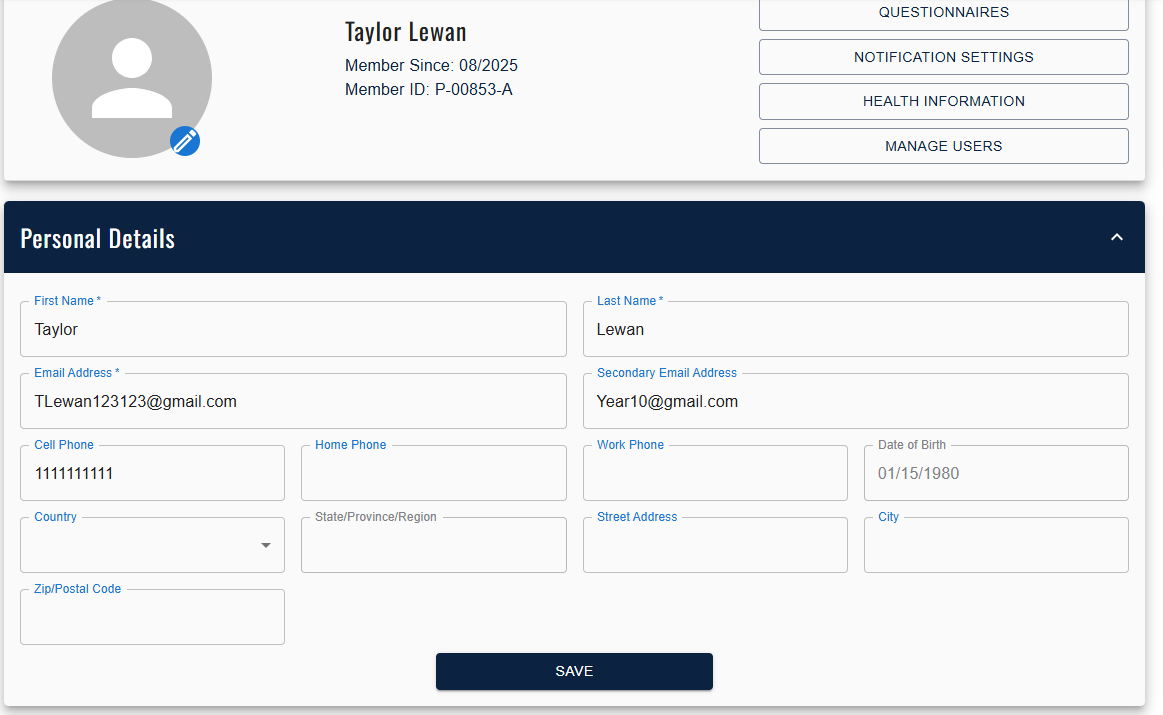
Member Manager allows you to enter in an alternate email in the member profile screen:
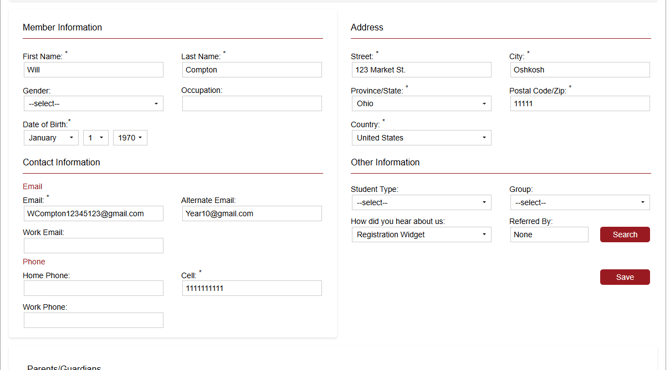
You can use this email to send to a secondary inbox:
- Class bookings
- Cancellations
- Reminders
- Invoices
Note: You will need to be opted into communications to receive these emails.
In Member Portal, users can input their own secondary email addresses, as well: