Members Birthdays Report
Members Birthdays Report
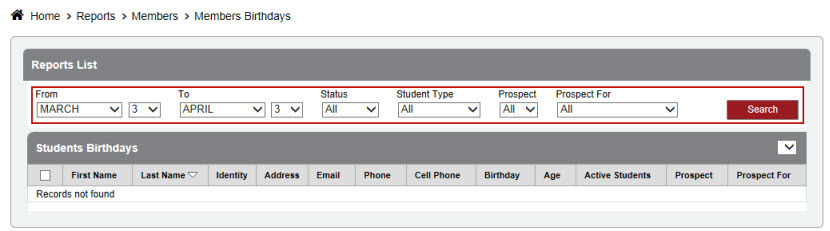
•Quickly see which of your members’ birthdays are coming up in any given time frame.
Click Reports
Click Members
Click Birthdays
Select a Date Range
Select between Status, Student Types, or Prospects to view.
Click Search