To initiate the trial package process, follow these steps:
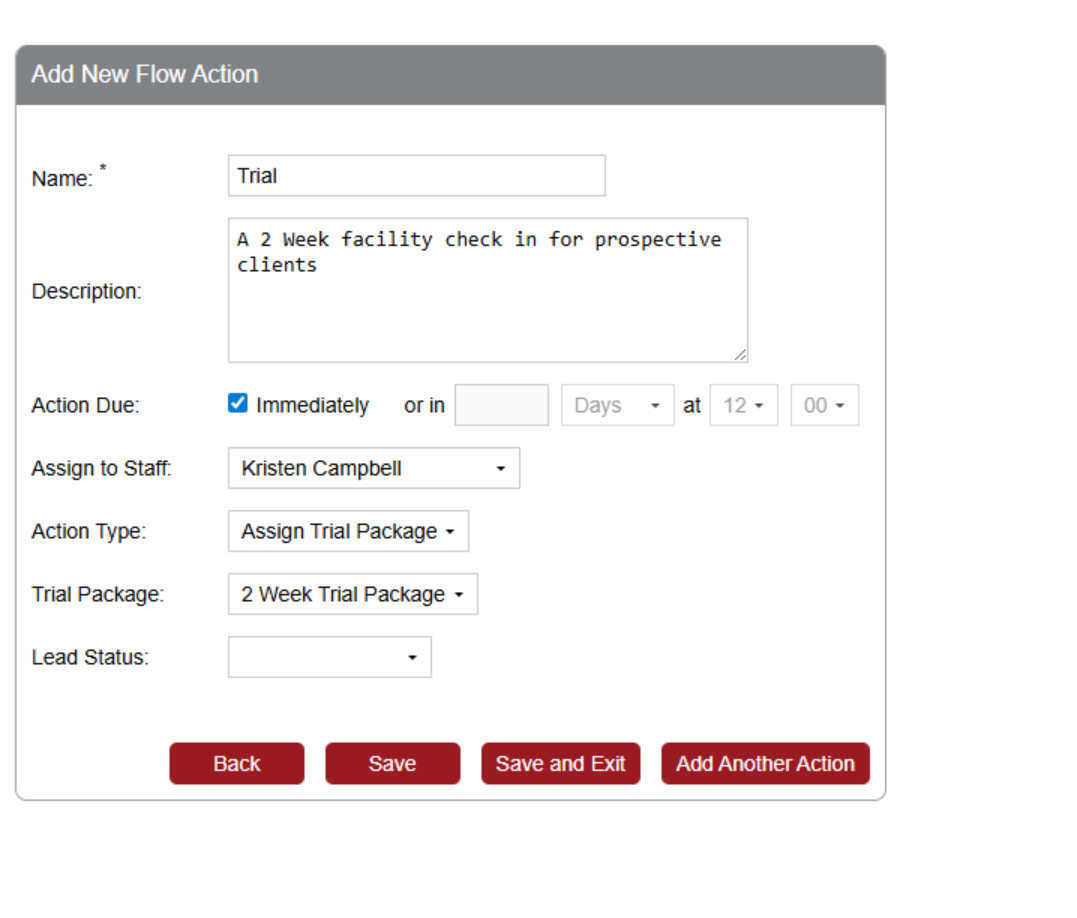
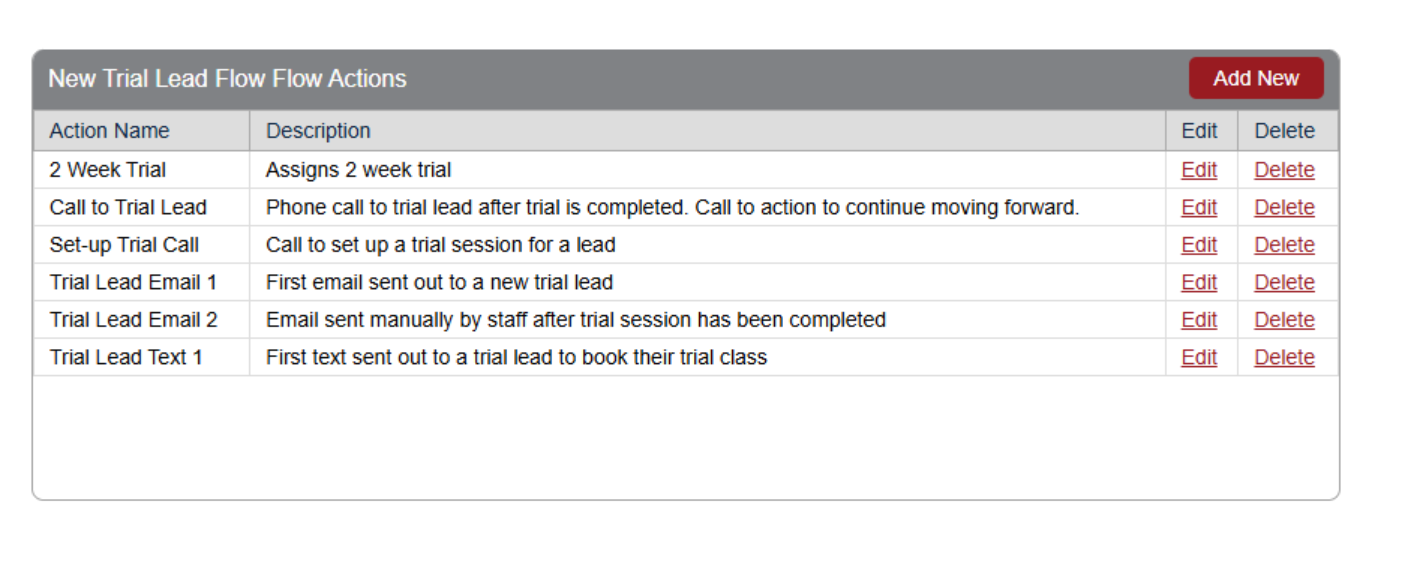
- - Navigate to Lead Flow Setup: Begin by accessing your system's lead flow configuration.
- - Action Type Selection: Choose "Trial Package" from the Action Type dropdown.
- - Trial Package Options: Currently, the only available option is:
- - “2 Week Trial Package”
*Note: Additional trial durations may be introduced in future updates.*
Attaching the Lead Flow to a Lead Source
Once your lead flow is configured:
- - Assign a Lead Source: Link the trial package lead flow to a specific lead source.
- - Apply to Users: Any user associated with this lead source will automatically receive the trial package upon sign-up.
Package Activation and Expiration
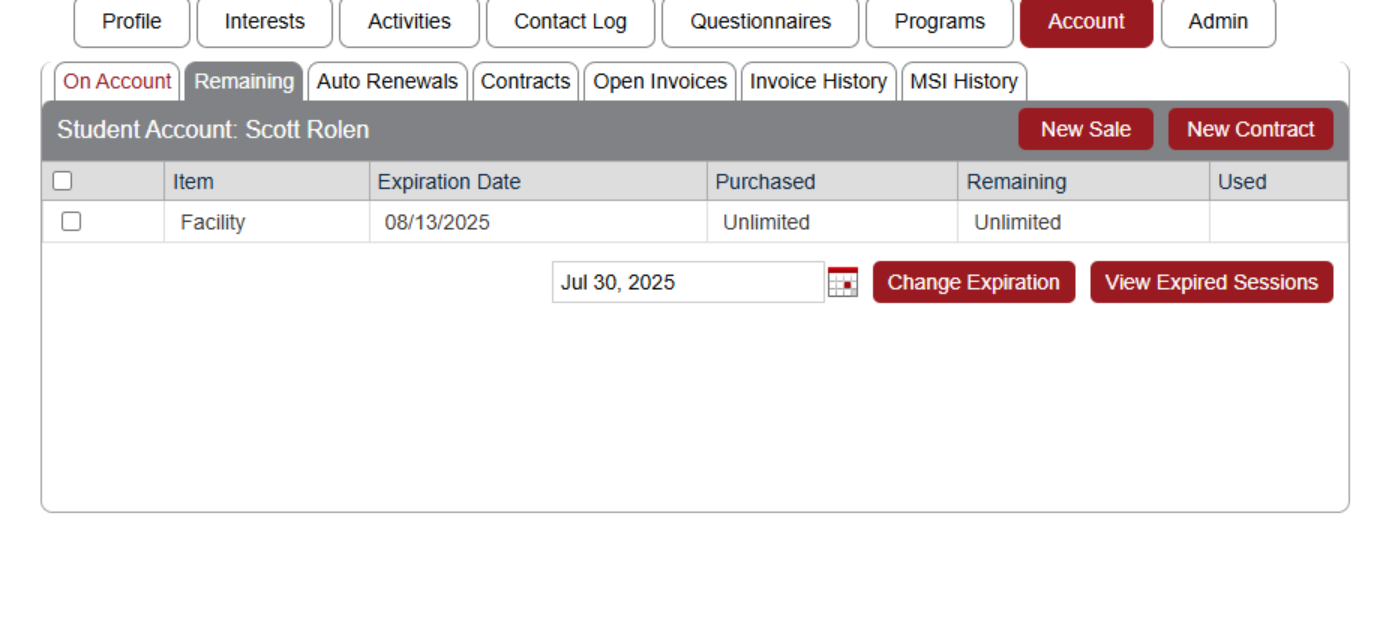
- - Trial Package Availability: Once assigned, the trial package appears in the user’s account.
- - Expiration Rule: The package is set to expire two weeks from the account creation date.
Important Considerations
- - No Automated Notification Sent by Default: Assigning a trial package does not trigger an email to the user.
- - Recommended Action: Configure an automated email notification to be sent immediately after the package is assigned to inform the user of their trial access.